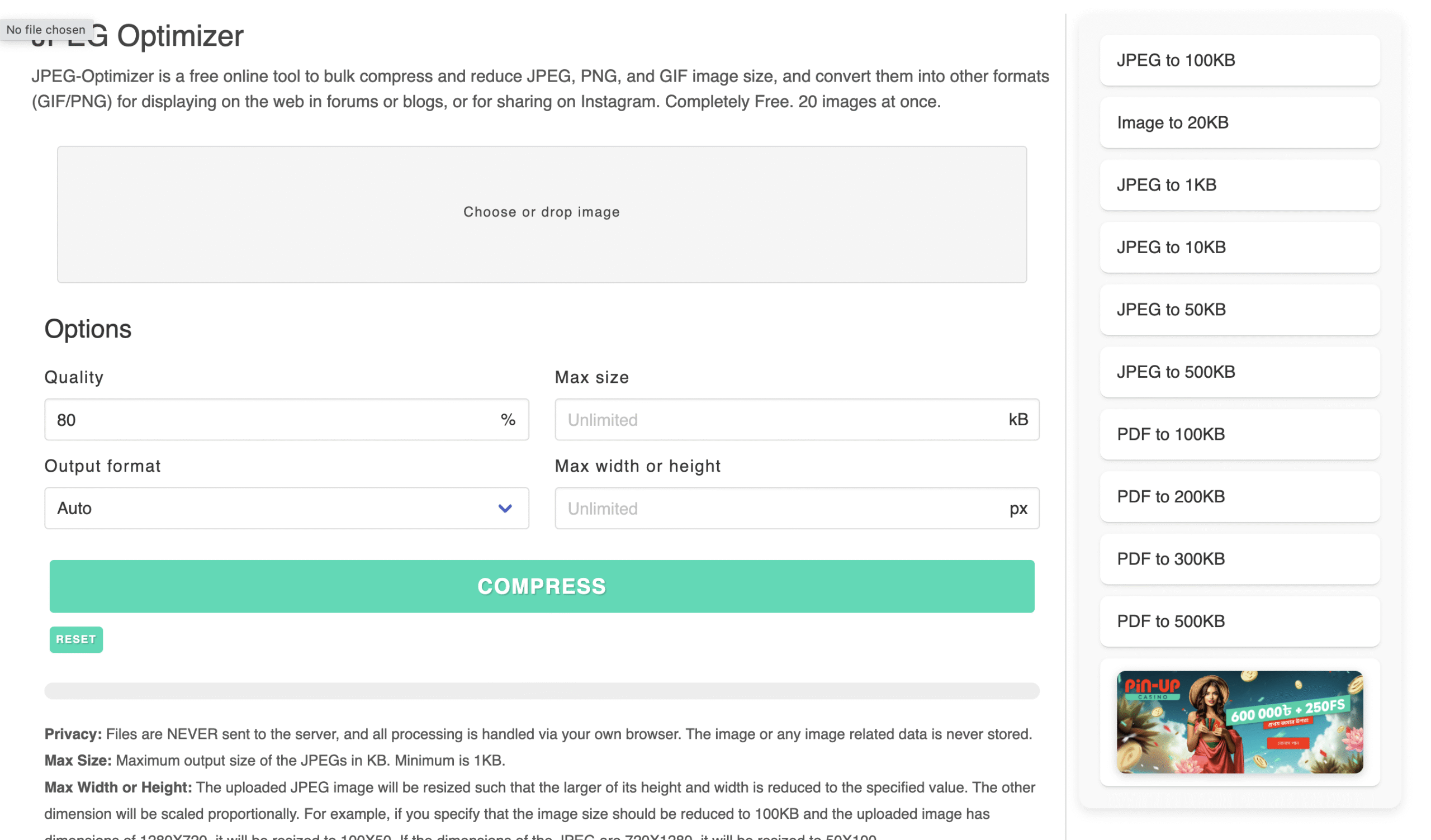
Overview
JPEG Optimizer is a simple yet powerful image compression tool that helps reduce image file sizes for web, email, or storage use. Instead of requiring uploads to a remote server, it runs entirely in your browser. As a result, your files stay private and the compression process is fast.
This tool works with popular formats like JPEG, PNG, and GIF. You can even adjust the quality percentage, set a maximum file size, or resize your images by width or height. Furthermore, it supports batch processing of up to 20 images, making it efficient for users working with multiple files at once.
In addition to compression, it offers format conversion, allowing you to switch between JPEG, PNG, or GIF formats based on your needs. Whether you’re trying to speed up your website, save bandwidth, or meet email attachment limits, JPEG Optimizer offers a practical solution without unnecessary extras.
Features
✅ Free and fast browser-based tool
✅ Compresses JPEG, PNG, and GIF files
✅ Batch process up to 20 images at once
✅ Adjustable quality and max file size
✅ Resize images by setting width or height
✅ Convert between JPEG, PNG, and GIF
✅ No registration or software needed
✅ All compression is done locally in your browser
❌ Limited to 20 images per batch
❌ No support for formats beyond JPEG, PNG, and GIF
❌ No advanced image editing or filters
Why People Use It
Web designers optimizing images for faster page load speeds
Bloggers improving SEO by reducing image size
Anyone needing to email or upload lighter images
Users who value privacy and want offline-style compression in-browser