
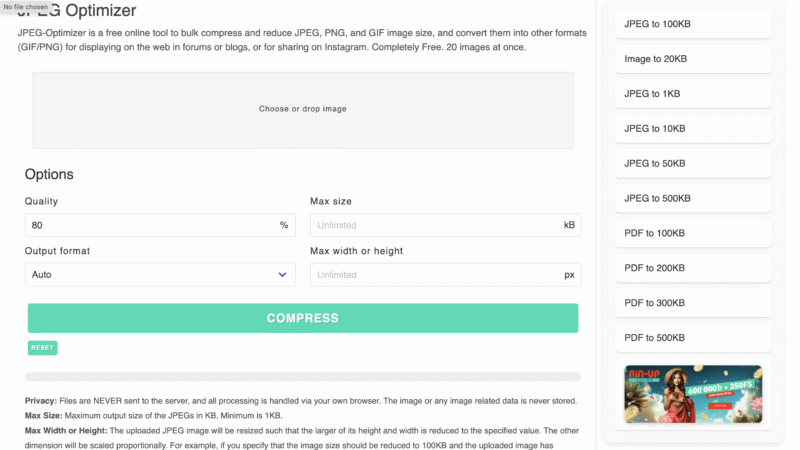
Tool Name: JPEG Optimizer – Image Compression Tool

Overview JPEG Optimizer is a simple yet powerful image compression tool that helps reduce image file sizes for web, email, or storage use. Instead of requiring uploads to a remote server, it runs entirely in your browser. As a result, your files stay private and the compression process is fast. This tool works with popular formats like JPEG, PNG, and GIF. You can even adjust the quality percentage, set a maximum file size, or resize your images by width or height. Furthermore, it supports batch processing of up to 20 images, making it efficient for users working with multiple files at once. In addition to compression, it offers format conversion, allowing you to switch between JPEG, PNG, or GIF formats based on your needs. Whether you’re trying to speed up your website, save bandwidth, or meet email attachment limits, JPEG Optimizer offers a practical solution without unnecessary extras. Features ✅ Free and fast browser-based tool ✅ Compresses JPEG, PNG, and GIF files ✅ Batch process up to 20 images at once ✅ Adjustable quality and max file size ✅ Resize images by setting width or height ✅ Convert between JPEG, PNG, and GIF ✅ No registration or software needed ✅ All compression is done locally in your browser ❌ Limited to 20 images per batch ❌ No support for formats beyond JPEG, PNG, and GIF ❌ No advanced image editing or filters Why People Use It Web designers optimizing images for faster page load speeds Bloggers improving SEO by reducing image size Anyone needing to email or upload lighter images Users who value privacy and want offline-style compression in-browser
Read More
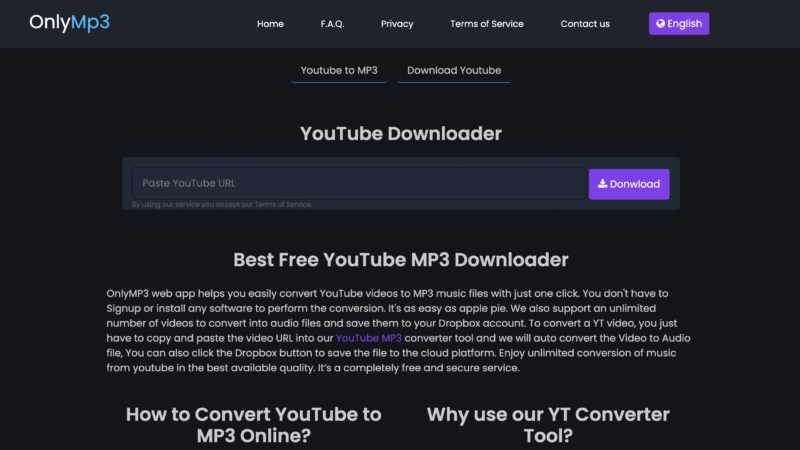
OnlyMp3 - Youtube to Mp3 Convertor

OnlyMP3 – YouTube to MP3 Convertor

Overview OnlyMP3 is a simple and effective youtube to mp3 convertor that helps you extract audio from YouTube in just a few clicks. The interface is clean and user-friendly, making the process smooth even for beginners. Instead of forcing pop-ups or software downloads, it works entirely in your browser. One of its biggest strengths is the ad-free experience. Unlike many similar tools, it doesn’t bombard users with distractions. Furthermore, it supports videos up to 6 hours long, which is ideal for podcasts, interviews, or live recordings. Another handy feature is Dropbox integration, allowing users to save converted files directly to the cloud. As a result, OnlyMP3 is a great choice for users who value convenience and simplicity. It’s compatible with all devices and doesn’t require registration. Whether you’re on mobile or desktop, you can convert videos anytime, anywhere. Features ✅ Fast and free YouTube to MP3 conversion ✅ No signup or software installation required ✅ Supports videos up to 6 hours in length ✅ Dropbox integration for cloud storage ✅ Compatible with all devices and browsers ✅ Ad-free user experience ❌ No support for MP4 video downloads ❌ No batch conversion feature ❌ Limited to MP3 format only Why People Use It Perfect for saving long-form content like podcasts, audiobooks, or speeches No ads or clutter to slow you down Works across all devices, including phones, tablets, and desktops Cloud integration adds flexibility and access on the go

Read More

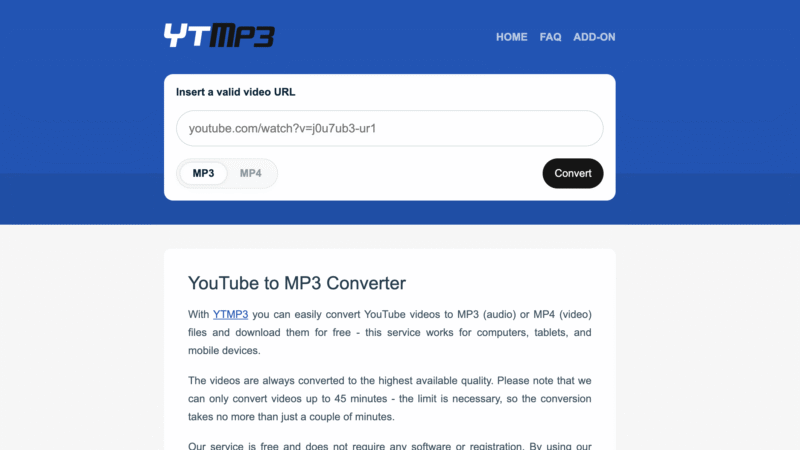
YouTube to MP3 Convertor: YTMP3.cc

If you want to turn a YouTube video into an audio file, YTMP3.cc is one of the easiest tools you can use. It’s a free online YouTube to MP3 convertor that lets you quickly change YouTube videos into MP3 or MP4 files. You don’t need to sign up or download anything — just open the website and get started. Using it is super simple. You copy the link from a YouTube video, paste it into the box on YTMP3.cc, pick MP3 or MP4, and click the convert button. After a few seconds, your file is ready to download. That’s it! This tool is great for anyone who wants to save music, listen to talks or podcasts offline, or take audio from videos for later. Many people use it to download songs or background sounds to play when they don’t have Wi-Fi or want to save battery. Others use it to turn learning videos into audio so they can listen on the go. One of the best parts about YTMP3.cc is that it works on all kinds of devices — computers, tablets, and phones. You don’t need to be a tech expert to use it. It also works fast and doesn’t make you wait too long. Unlike some other tools, YTMP3.cc doesn’t ask for your name or email. There are no pop-ups or confusing steps. Everything is clear and easy. You don’t have to worry about hidden costs either — it’s 100% free. It’s also safe to use if you’re careful and use it for videos you’re allowed to download. Always respect the rules and only use it for personal or non-copyrighted content. YTMP3.cc is one of the top choices when it comes to a simple, no-stress YouTube to MP3 convertor. It does one job and does it well: turning video into audio fast and easy.

Read More